Any Video Converter Free
 Any Audio Converter
 AVCLabs Video Enhancer AI
 AVCLabs Video Blur AI
 AVCLabs Photo Enhancer AI
 AVCLabs PhotoPro AI
 Mobile Data Manager
 Mobile Data Transfer
 WhatsApp Data Transfer
 PC Data Recovery
 iOS Data Recovery
 Location Changer
 iPhone Unlocker
 MKV to MP4
 AVI to MP4
 WEBM to MP4
 MOV to MP4
 HEVC to MP4
 MP4 to GIF
 4K Video Converter
 HD Video Converter
 Video to MP3
 MP4 to MP3
 MP4 to WAV
 Video to Audio
 FLAC to MP3
 Text to Image
 Text to Video
 Enhance Video
 Trim Video
 Merge VIdeo
 Compress Video
 Add Subtitles
 Add Watermark
 Text to Image AI
 Text to Video AI
 Image to Video AI
 AI Art Generator
 AI Headshot Generator
 AI Logo Generator
 Ghibli Video Generator
 Seedance AI Video Generator
 Video to Text
 Video Splitter
 Video Stabilizer
 Audio to Text
 Vocal Remover
 Image Enhancer
 Image Upscaler
 Image Denoiser
 Background Remover
 Object Remover
 Photo Restoration
 Color Correction

AI Video Generator from Image: Turn Static Images to Dynamic Video
Create HD videos from images, with dynamic and smooth transitions
- Powered by advanced multimodal engines for fluid, realistic motion
- Define the start and end frames to orchestrate precise cinematic transitions
- Upload reference images to anchor your visual identity and aesthetic tone
- Craft an immersive experience with auto-generated, synchronous audio
 FluidityFidelityConsistencySynthesis
 Switch to Mac Version
 Switch to Windows Version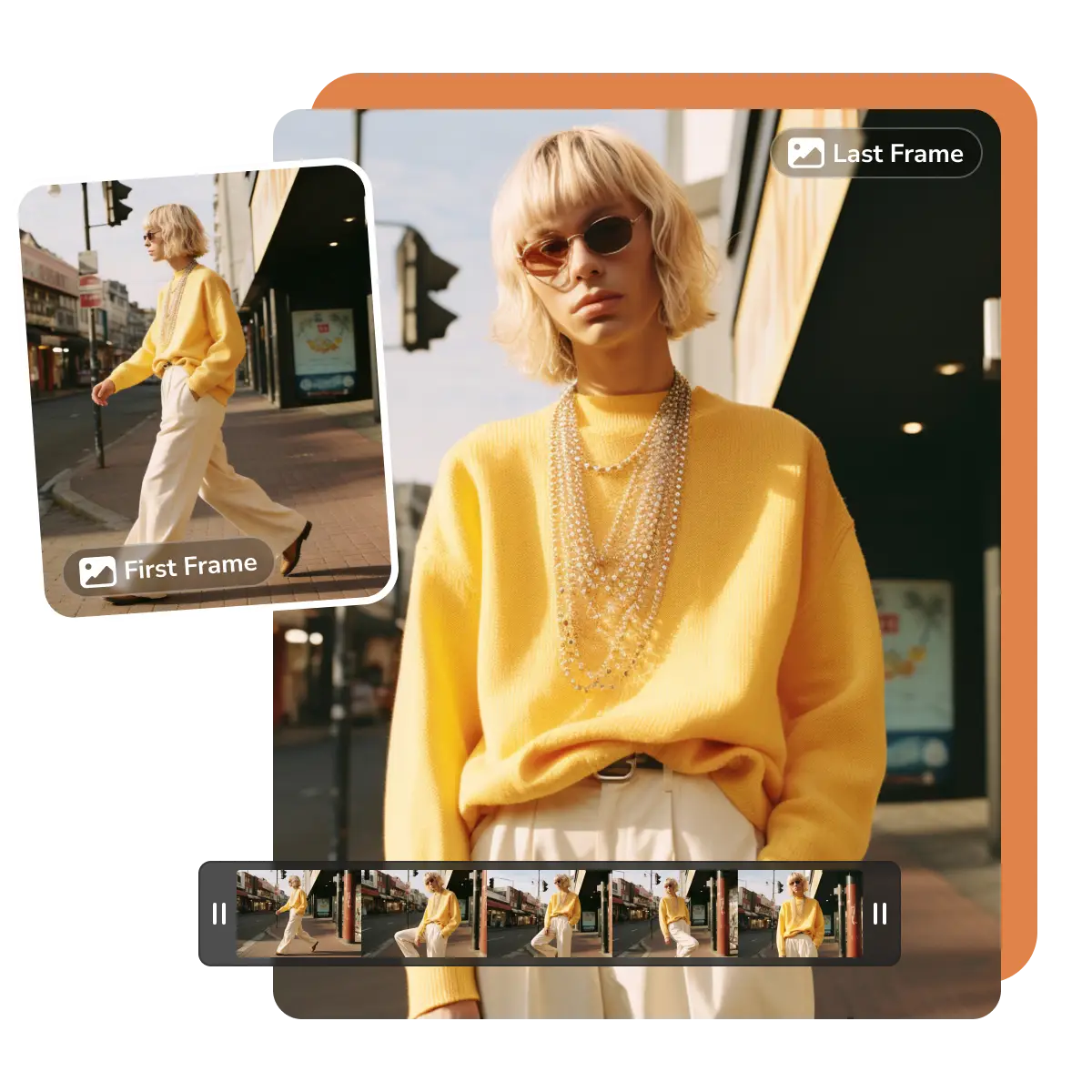
- Features
- User Guide
- FAQ
-
 Image to Video
 -


Key Features of this Image to Video Generator
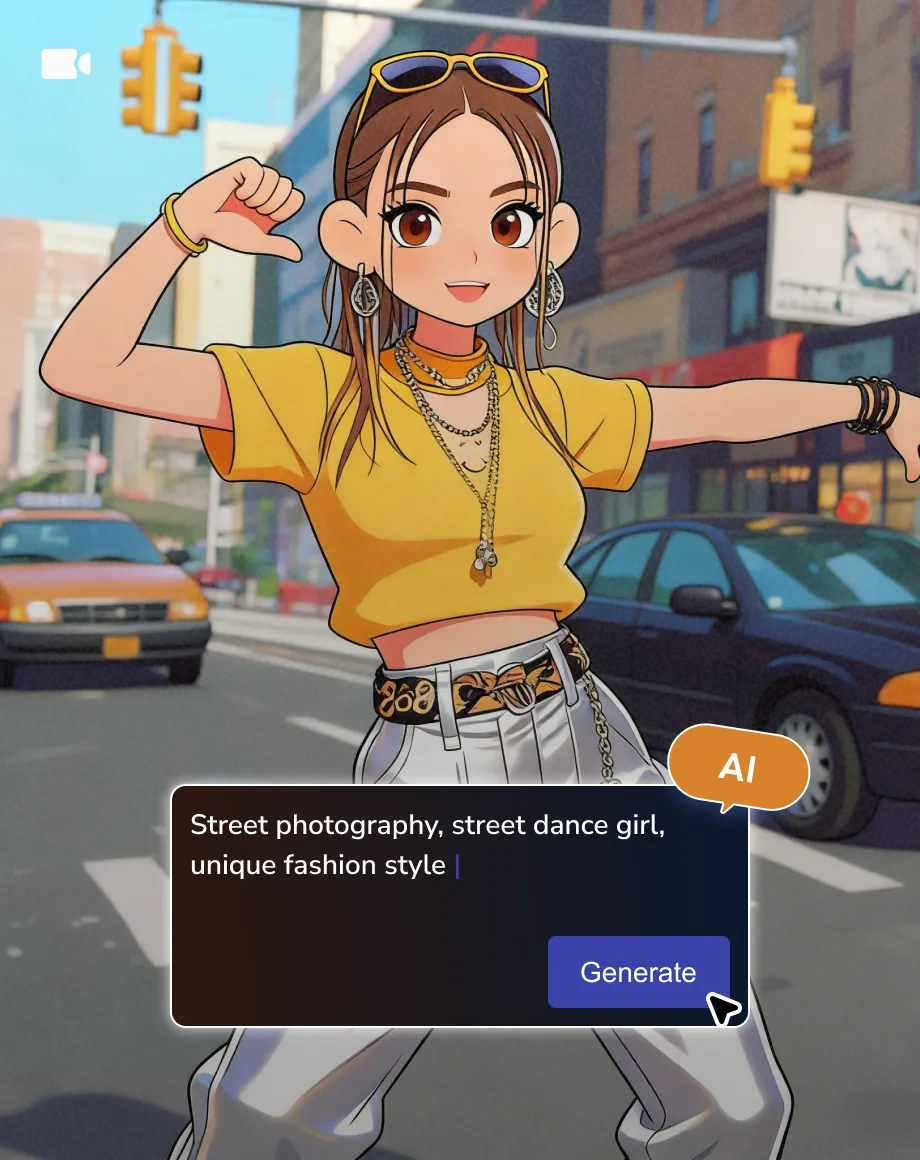
Turn your static images into animations
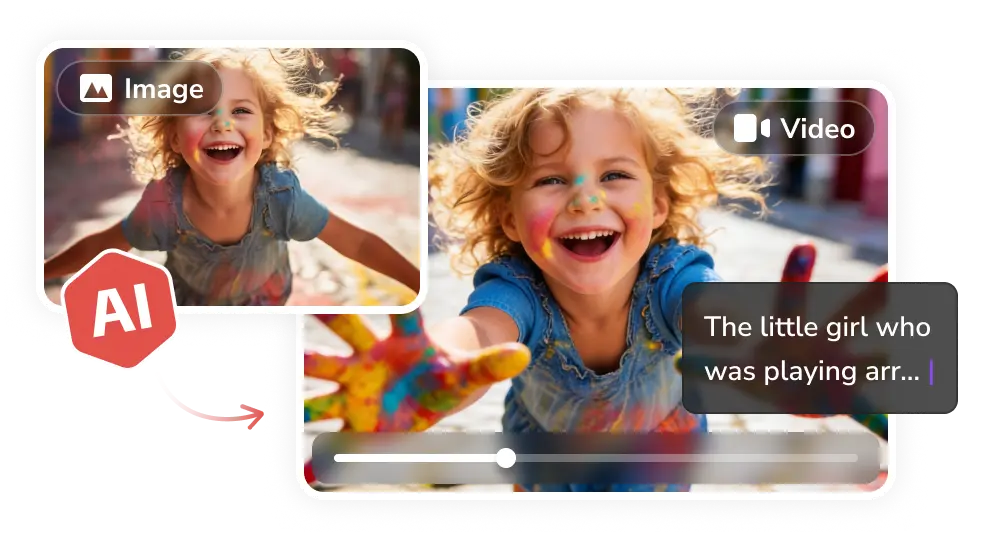
Turn Static Images into Fluid Cinematic Motion
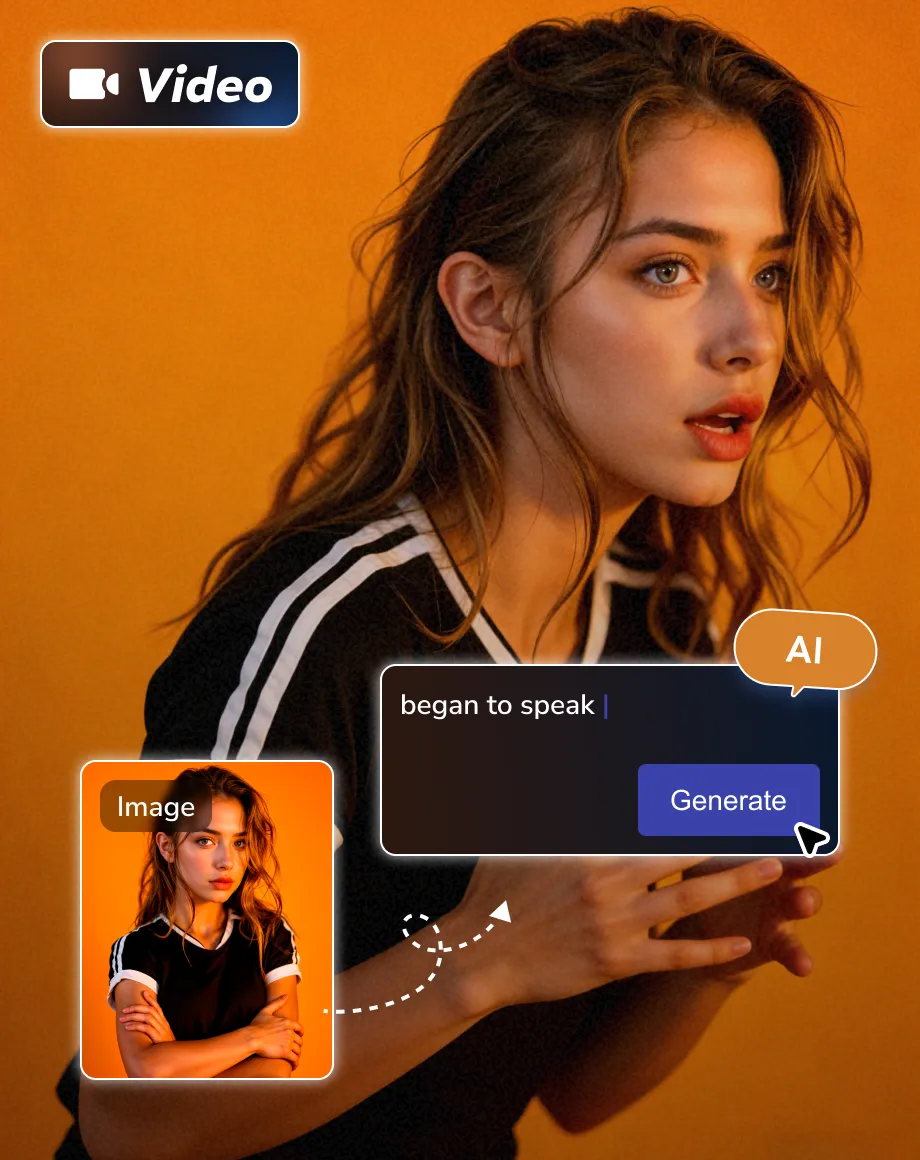
Beyond simple text-to-video generation, AVC AI empowers you to transform static images into animated videos with realistic and fluid motion. Pairing imagery with the text description improves the reliability and faithfulness.
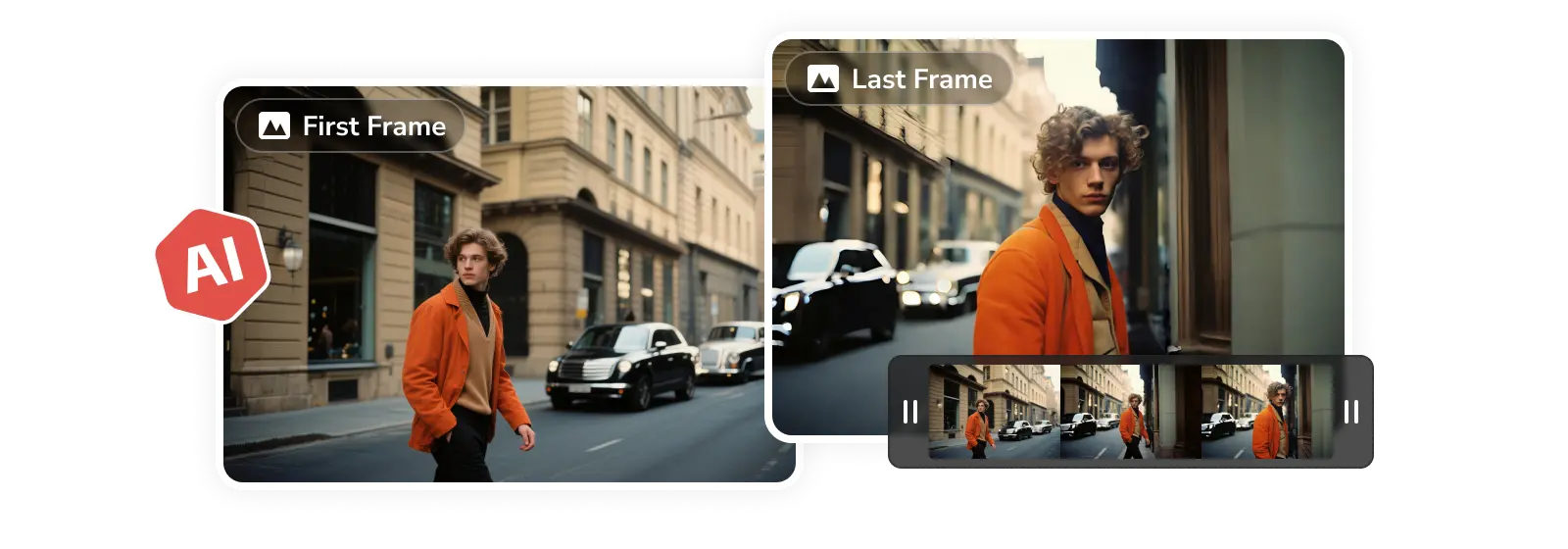
Define Start and End Frames for Precise Control
For precise frame control, simply upload images to define the start and end frames of your video. Maintain consistency in the visual tone and characters while exerting full control over transitions and motion paths.
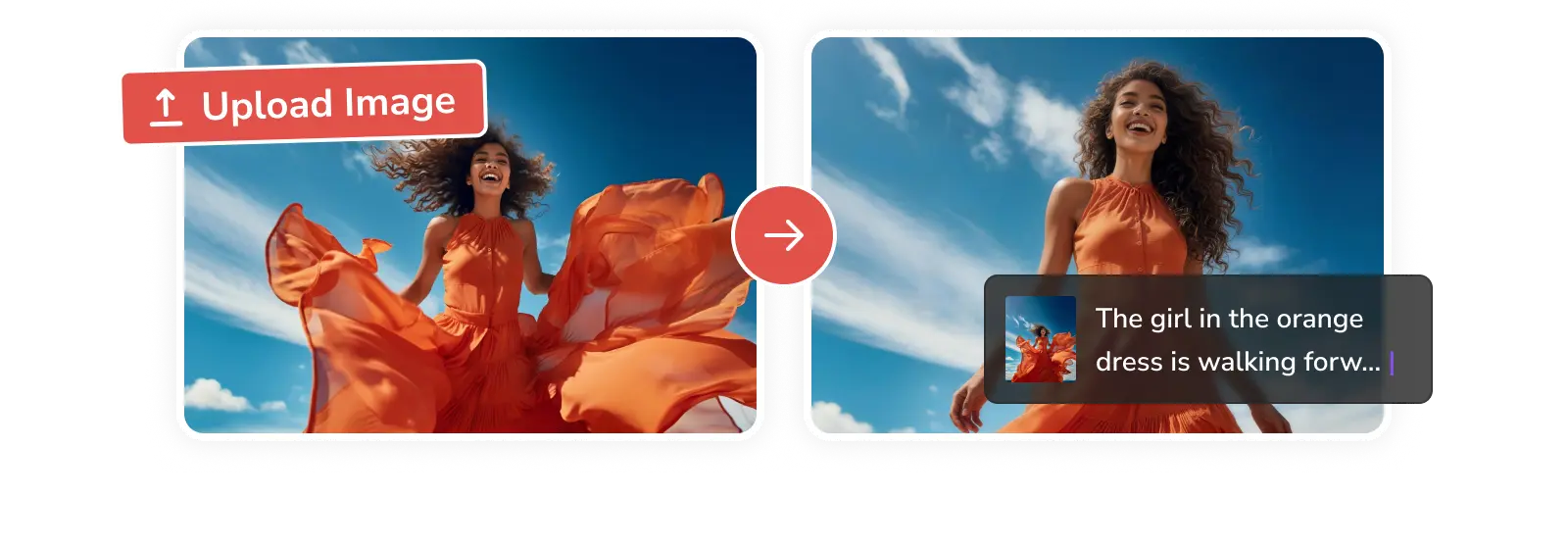
Maintain Style Consistency with Reference Images
A picture is worth a thousand words. Since text descriptions can be unpredictable sometimes, uploading reference images eliminates the guesswork. This approach saves you from tedious prompt tuning while ensuring flawless visual consistency and precise creative transitions.
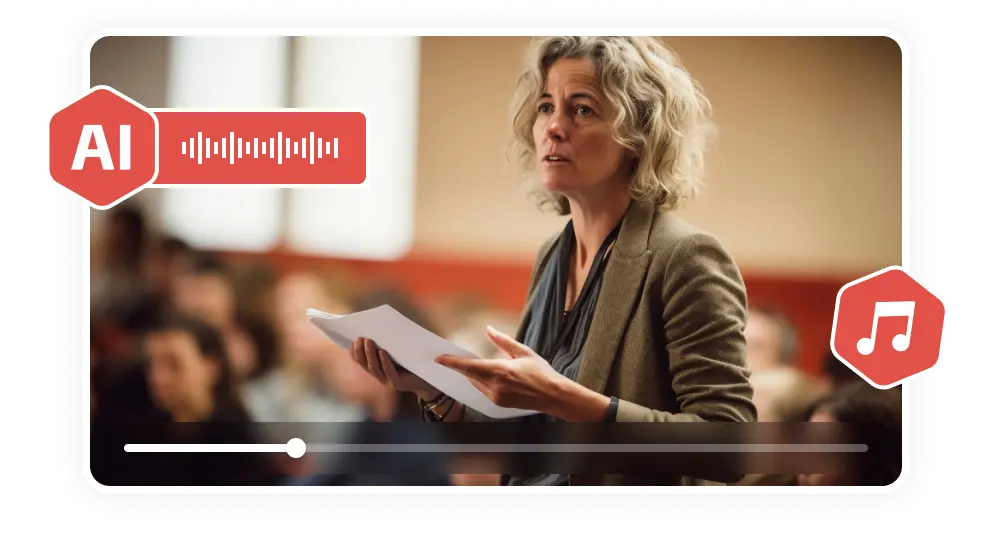
Generate Synchronous Audio for an Immersive Experience
To elevate the immersion and engagement, the upgraded generative models can synchronously craft background music or sound effects that flow with your video's style, or auto-synced narration in the specified accent and voice tone.
Why Choose AVC Image to Video Generator
Turn any photo into stunning and engaging videos

Relialibity
The state-of-the-art generative models ensure predictable, faithful results for each creation.

High-Quality
Produce stunning 1080p videos featuring realistic textures, fluid transitions, and lifelike motion.

Faster Generation
Leverage next-gen LCM technology and optimized GPU clusters to render high-fidelity videos in seconds.
How to Create Videos from Images Online Free
Step 1
Upload and Describe
Upload images you wish to animate, or set specific images as your starting and ending frames.
Then type the prompt to describe the video, like motion, camera movement, lighting, atmosphere, etc.
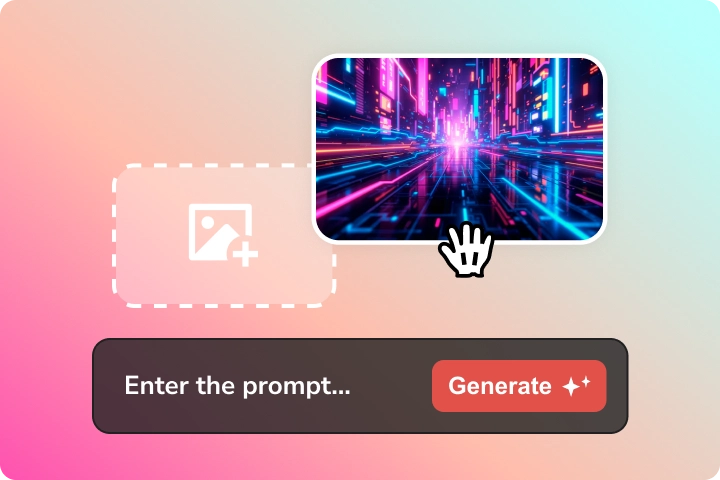
Upload images you wish to animate, or set specific images as your starting and ending frames.
Then type the prompt to describe the video, like motion, camera movement, lighting, atmosphere, etc.
Step 2
Configure Settings
Tailor the video output to fit your project requirements.
Choose your preferred resolution (1080p, 720p, or 480p) and aspect ratio. Set the video duration to 5s or 8s.
Tips: Download the AVC AI desktop app to unlock extended 12-second video generation.
Tailor the video output to fit your project requirements.
Choose your preferred resolution (1080p, 720p, or 480p) and aspect ratio. Set the video duration to 5s or 8s.
Tips: Download the AVC AI desktop app to unlock extended 12-second video generation.
Step 3
Generate and Download
Click 'Generate' to transform your static images into a dynamic video in seconds. Preview the result and download it for your project or upload it to social media.
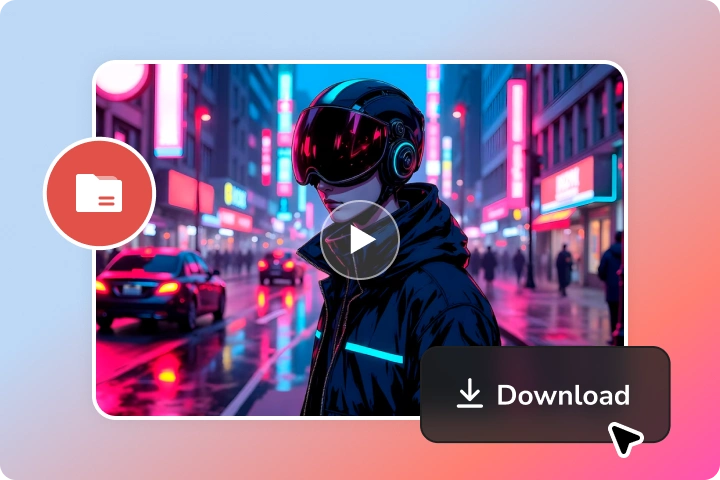
>Click 'Generate' to transform your static images into a dynamic video in seconds. Preview the result and download it for your project or upload it to social media.
Explore AI-Powered Tools for Image Editing
Create and edit images seamlessly in a single workflow
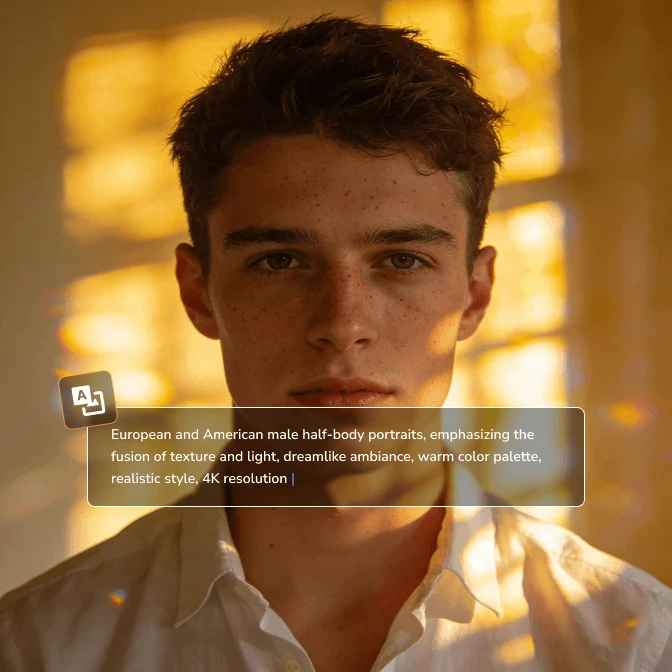
Image Generator
Generate images in seconds from your text and images, in 4K quality, with natural details.
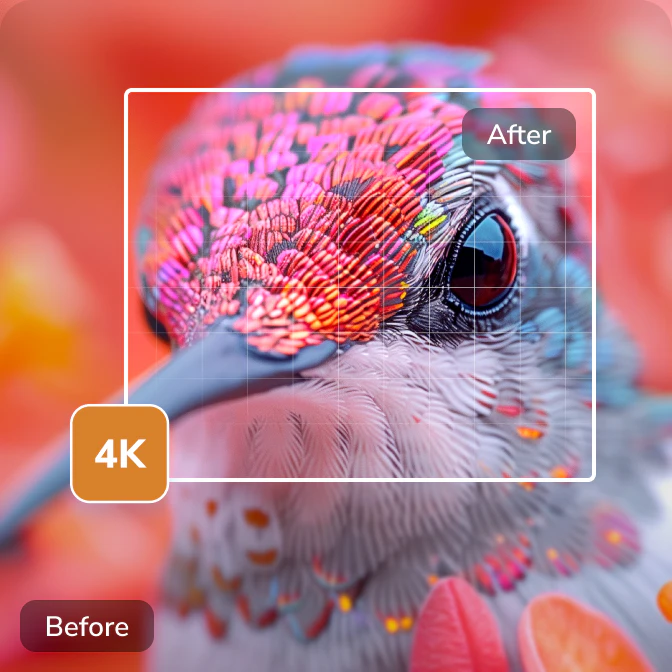
Image Upscaler
Convert low-res photographs, logos, avatars, anime images, illustrations, etc, to 4K quality.
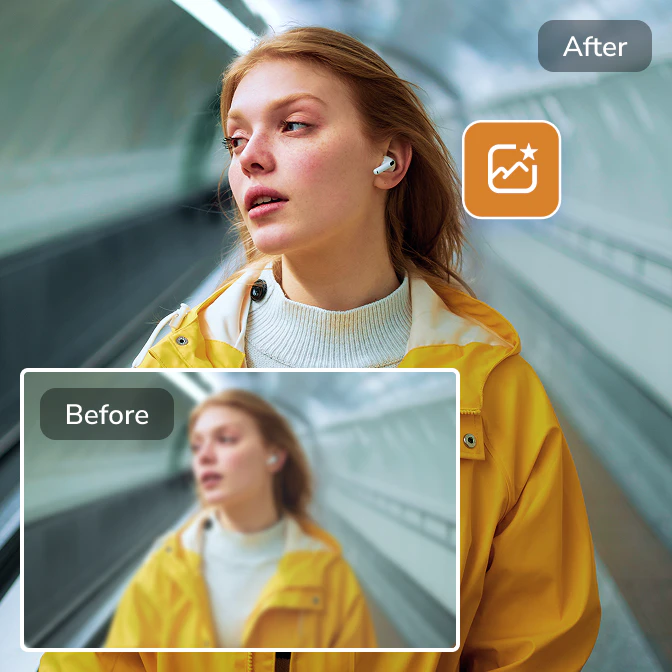
Image Enhancer
Enhance image quality, fix blurry, pixelated, and out-of-focus images instantly.
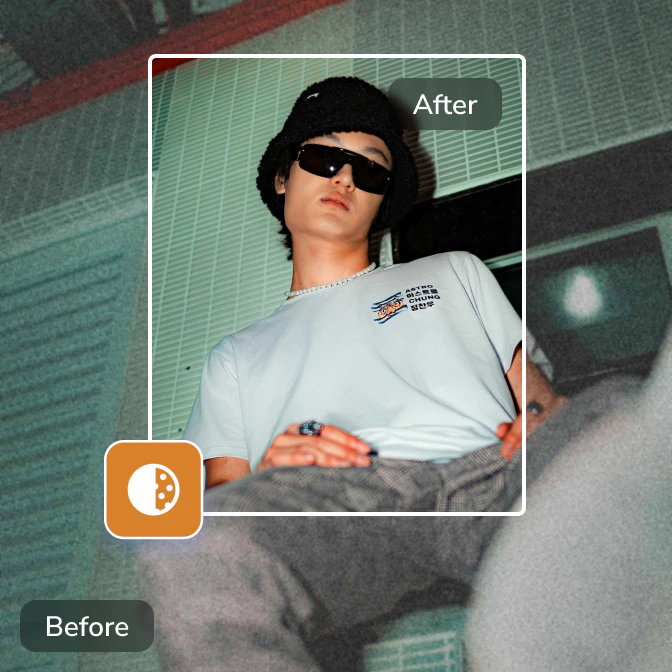
Image Denoiser
Effortlessly remove noise and grain from images, and recreate true-to-life details in images.
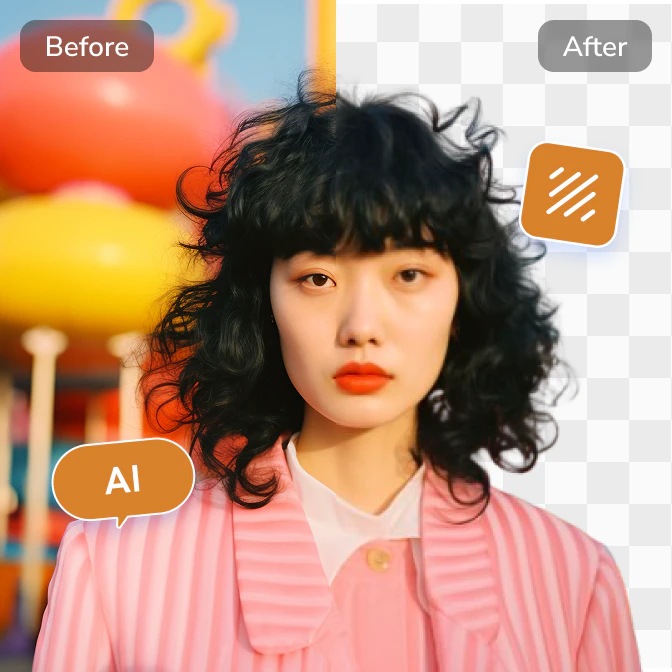
Background Remover
Accurately extract the subject from an image and create a clear background fast and effortlessly.
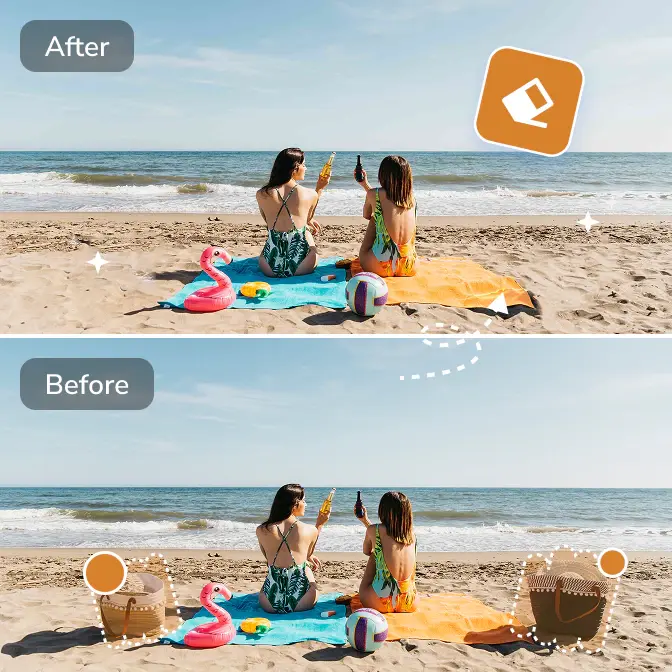
Objects Remover
Remove unwanted objects, people, text, emojis, and any distractions from images automatically.
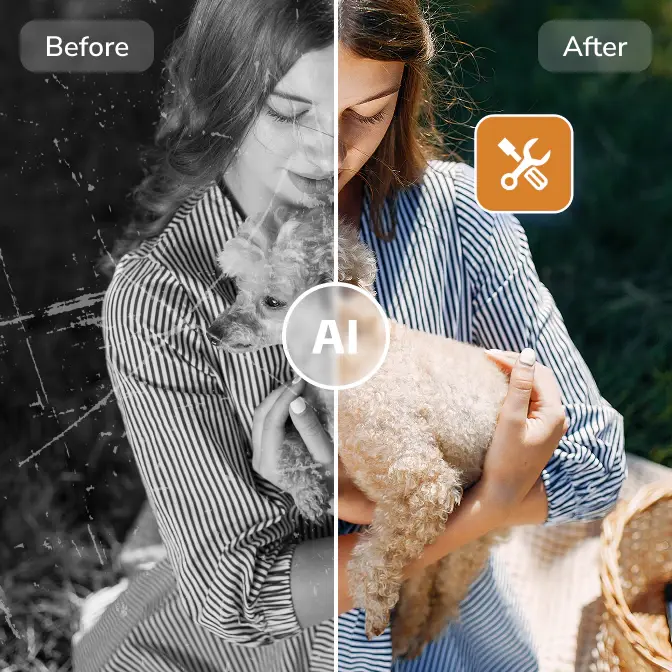
Photo Restoration
Restore old photos by colorizing, repairing damages, removing scratches, and restoring details.
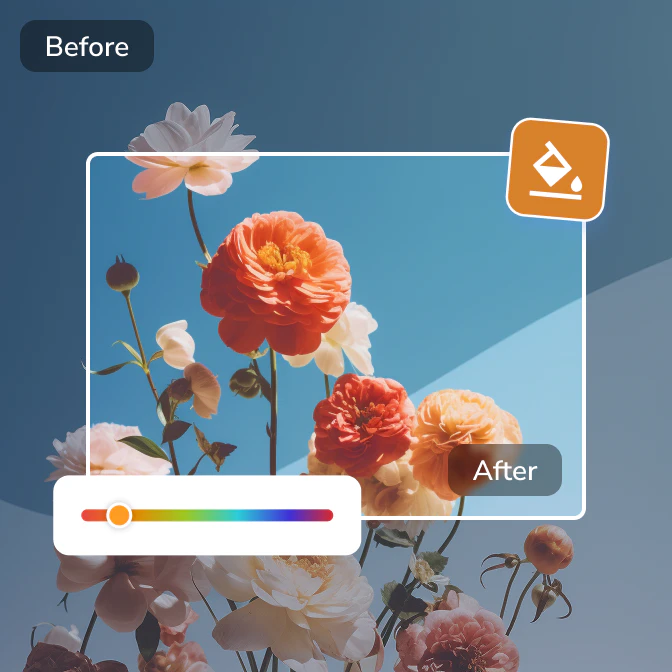
Color Corrector
Automatically correct and calibrate image colors by fixing lighting, contrast, white balance, and tones.
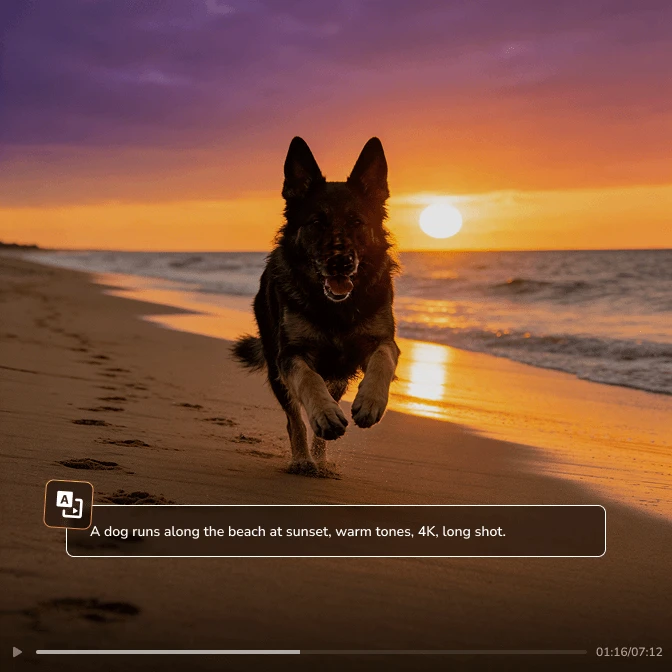
Video Generator
Generate videos instantly from your text and images, in HD and smooth quality.
Video Enhancer
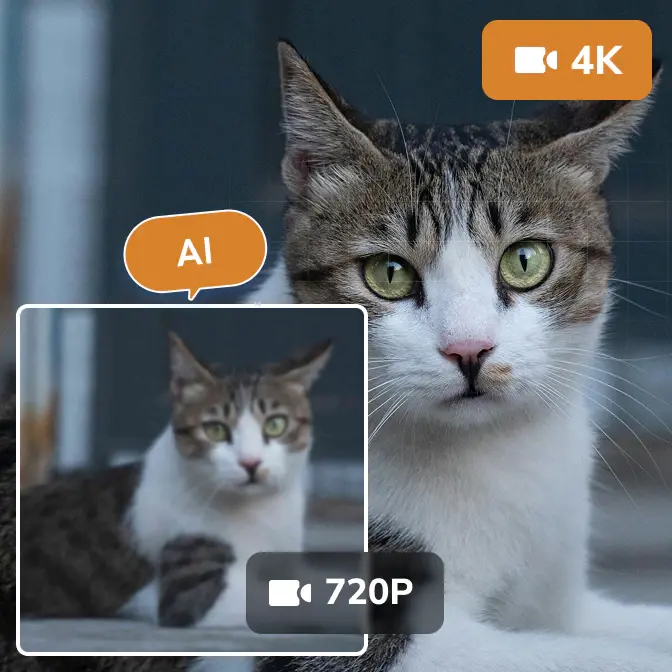
Enhance video quality with advanced ultra-resolution, multi-frame, and face recovery models.

Video Stabilizer
Stabilize shaky videos and eliminate camera shake to achieve professional-looking footage.
Ready to Make Your Static Images Move ?
Transform your images into cinematic, high-fidelity videos with just one click

 Get Mac Version
 Get Windows Version
Discover More AI Generative Tools for Your Creative Work


FAQs about Image to Video Generator
How to convert image to video?
You can transform static images into animated videos using the web tool for convenience or the desktop app for advanced features.
Follow these simple 3 steps:
1. Upload & Describe: Upload reference images and describe the vision you want.
2. Configure: Select the output resolution, aspect ratio, and duration.
3. Generate: Click 'Generate' to convert images to video in seconds.
Pro Tips: Download Any Video Converter to unlock extended 12-second video generation.
How to make a video with images and music?
With the upgraded generative model in Any Video Converter, you can now convert images to video with music. The auto-generated music perfectly matches the tone of your video. For total creative control, you can also customize the audio by refining your prompts to define the style or specify music.
Download Any Video Converter right now to make a video with music.
What is the best AI image to video generator?
For creators who prioritize the high-quality generation (1080p and higher), precise control, and longer storytelling, Any Video Converter is a top-tier choice. While many industry tools limit 5-second clips in 720p, Any Video Converter delivers extended 12-second videos in superior resolution, complete with seamlessly synced AI music.
Can Gemini do image to video?
Yes, powered by Google's state-of-the-art Veo 3 model, Gemini can generate videos with images. Like AVC AI, Gemini allows creators to upload reference images to generate a video that maintains the same style or subject, and specify the starting and ending frames to generate the transitions between them. What's more, the generated video with Gemini also includes audio that syncs with the visual content.
How to make a video from images on iPhone?
You can easily create video from images on your iPhone using the AVC AI web tool.
Step 1: Open the video generative tool of AVC AI on Safari or Chrome.
Step 2: Simply upload your images and describe the vision you want.
Step 3: Generate high-quality video on the go.
Tips & Tricks about AI Generative Tools
AI generative guidelines, prompt techniques, and more tips