Any Video Converter Free
 Any Audio Converter
 AVCLabs Video Enhancer AI
 AVCLabs Video Blur AI
 AVCLabs Photo Enhancer AI
 AVCLabs PhotoPro AI
 Mobile Data Manager
 Mobile Data Transfer
 WhatsApp Data Transfer
 PC Data Recovery
 iOS Data Recovery
 Location Changer
 iPhone Unlocker
 MKV to MP4
 AVI to MP4
 WEBM to MP4
 MOV to MP4
 HEVC to MP4
 MP4 to GIF
 4K Video Converter
 HD Video Converter
 Video to MP3
 MP4 to MP3
 MP4 to WAV
 Video to Audio
 FLAC to MP3
 Text to Image
 Text to Video
 Enhance Video
 Trim Video
 Merge Videos
 Compress Video
 Add Subtitles
 Add Watermark
 Text to Image AI
 Text to Video AI
 Image to Video AI
 AI Art Generator
 AI Headshot Generator
 AI Logo Generator
 Ghibli Video Generator
 Seedance AI Video Generator
 Video to Text
 Video Splitter
 Video Stabilizer
 Audio to Text
 Vocal Remover
 Image Enhancer
 Image Upscaler
 Image Denoiser
 Background Remover
 Object Remover
 Photo Restoration
 Color Correction

AI Image Generator Online: Generate Images with Text
Generate any style of image by using text prompts, faster, easier, higher quality, and more details
- Multi-style generation: Create images instantly in multiple artistic styles
- Style matching: Generate in the style you choose or a reference image
- HD & 4K quality: Produce high-res images with realistic, natural details
- Commercial-ready: 100% royalty-free for commercial purposes
- Enhancement & restoration: Improve quality and colorize B&W images
 AI Generative Online FreeHigh Quality Faster Respond
 Switch to Mac Version
 Switch to Windows Version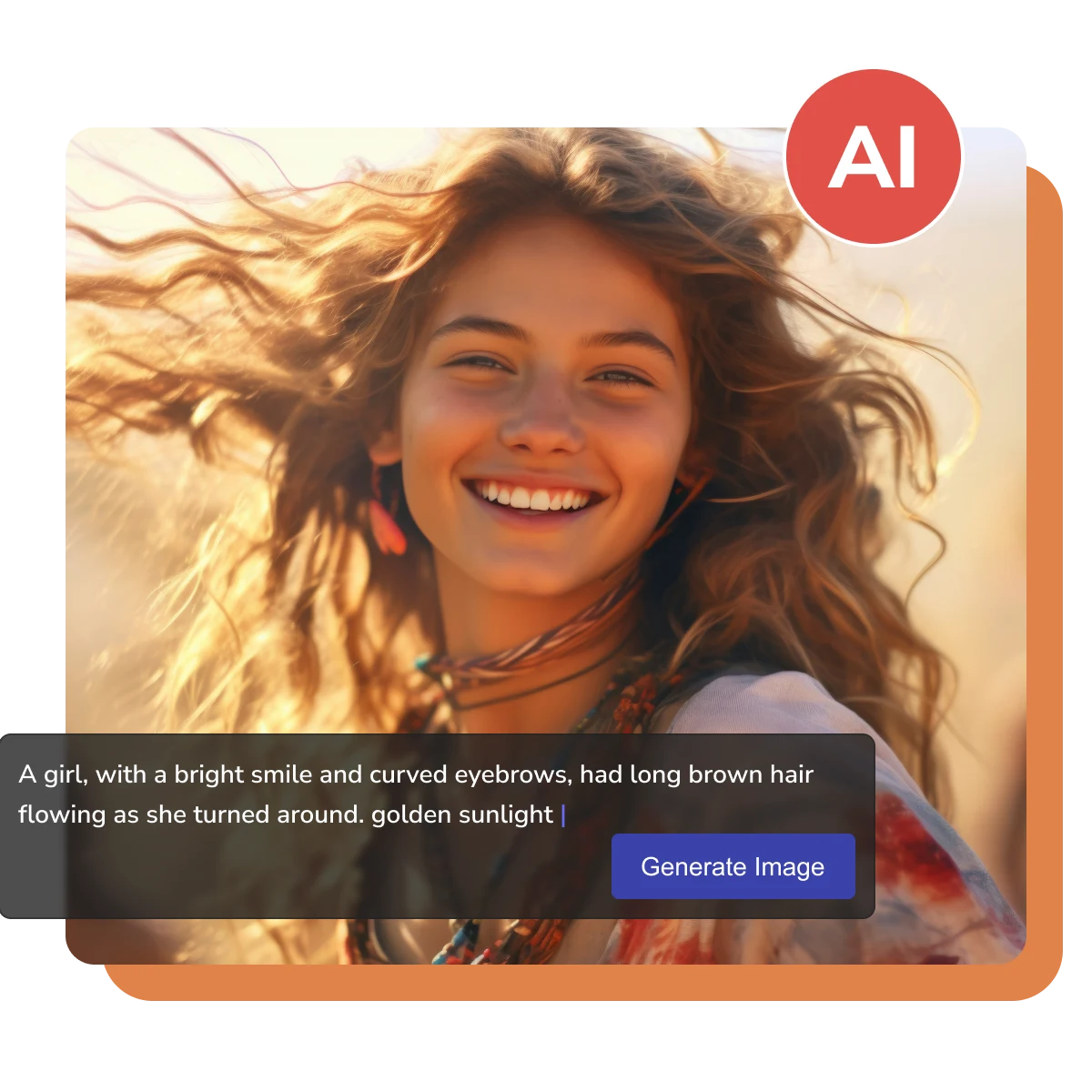
- Features
- User Guide
- FAQ
-
 AI Image Generator
 -


Unleash Your Creativity with the Ultimate AI Image Generator
Transform your wildest imagination into high-resolution reality
Define and Design Images from Your Inspiration
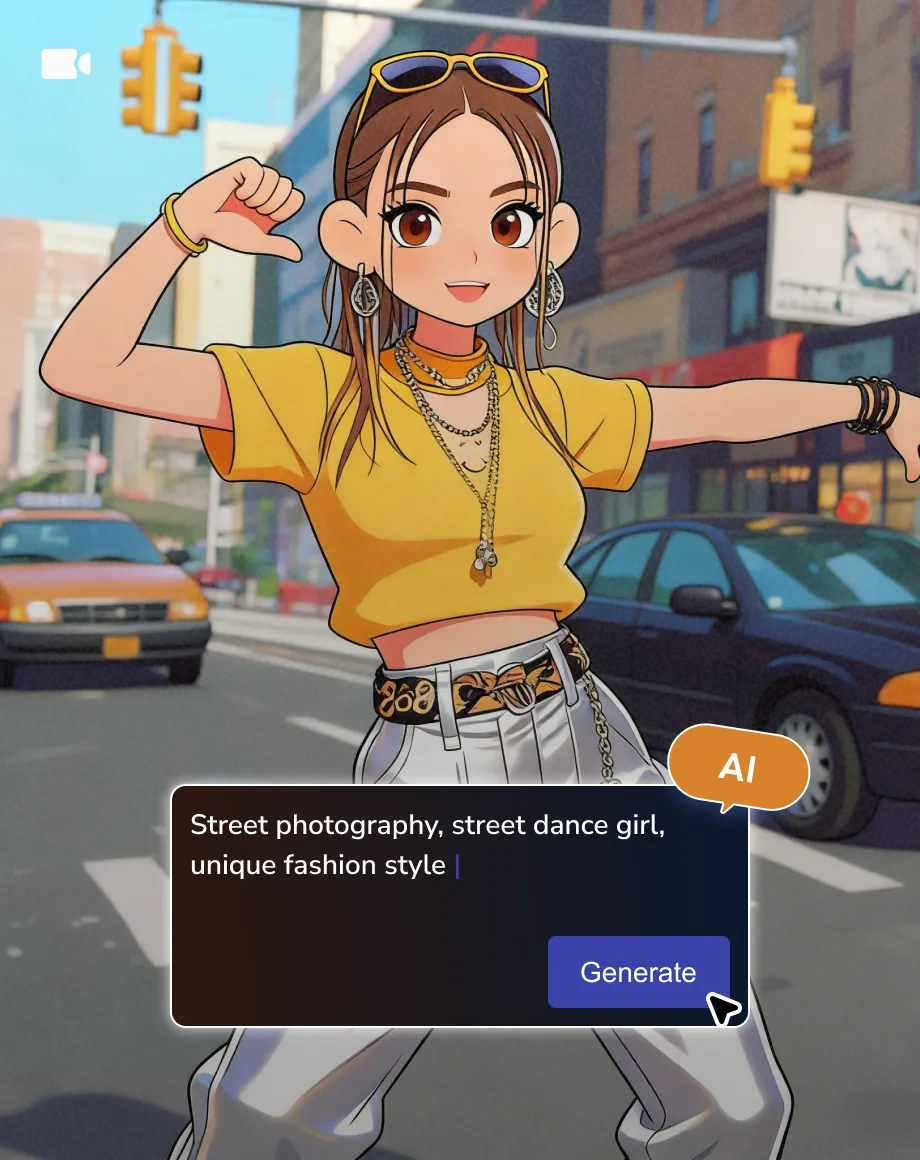
Turn your imagination and inspiration into art instantly. With this online AI image generator, you can use simple prompts, or reference images to create unique photographs, logos, posters, illustrations, avatars, and various styles you want, in reliable outputs.
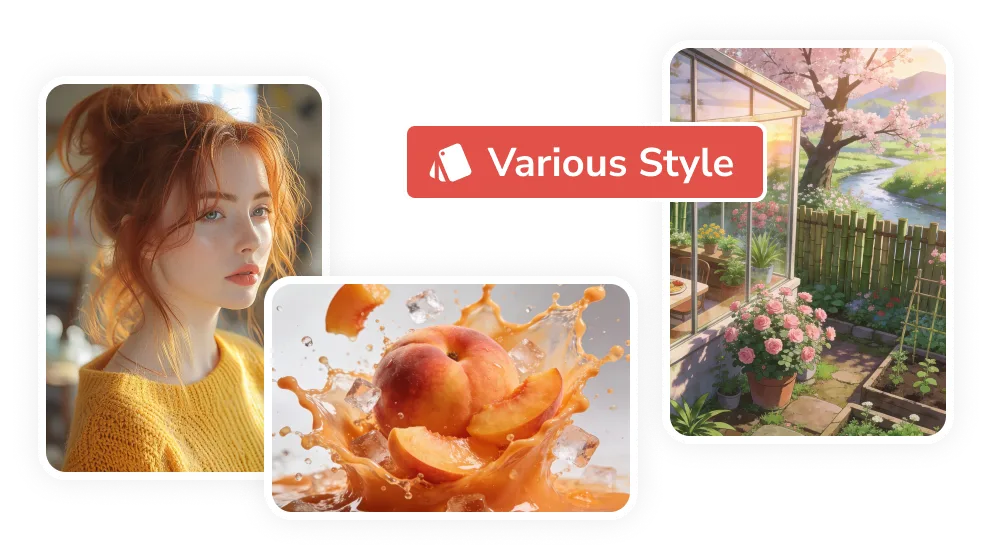
Your Design. Your Vision. You Master
Make your creation and design easier than ever. This AI image generator utilizes advanced generative models to turn ideas into images with ease. No complex or technical prompts required—just describe what you want, like chatting with a friend.
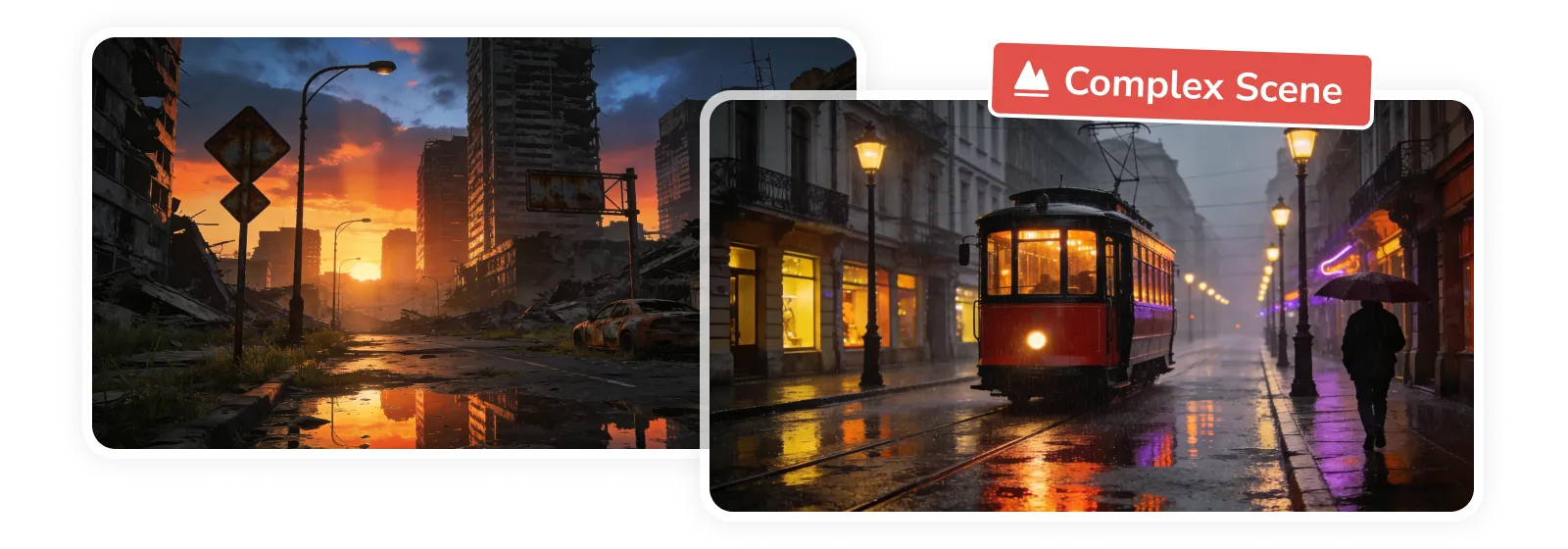
Higher Quality (up to 4K) and More Realistic
The AI-generated images should be real, polished, and ready for real-world projects, not just admired once. This online AI image generator can not only deliver high-resolution HD and 4K images without any artifacts, but also maintain details and be realistic, with natural textures.
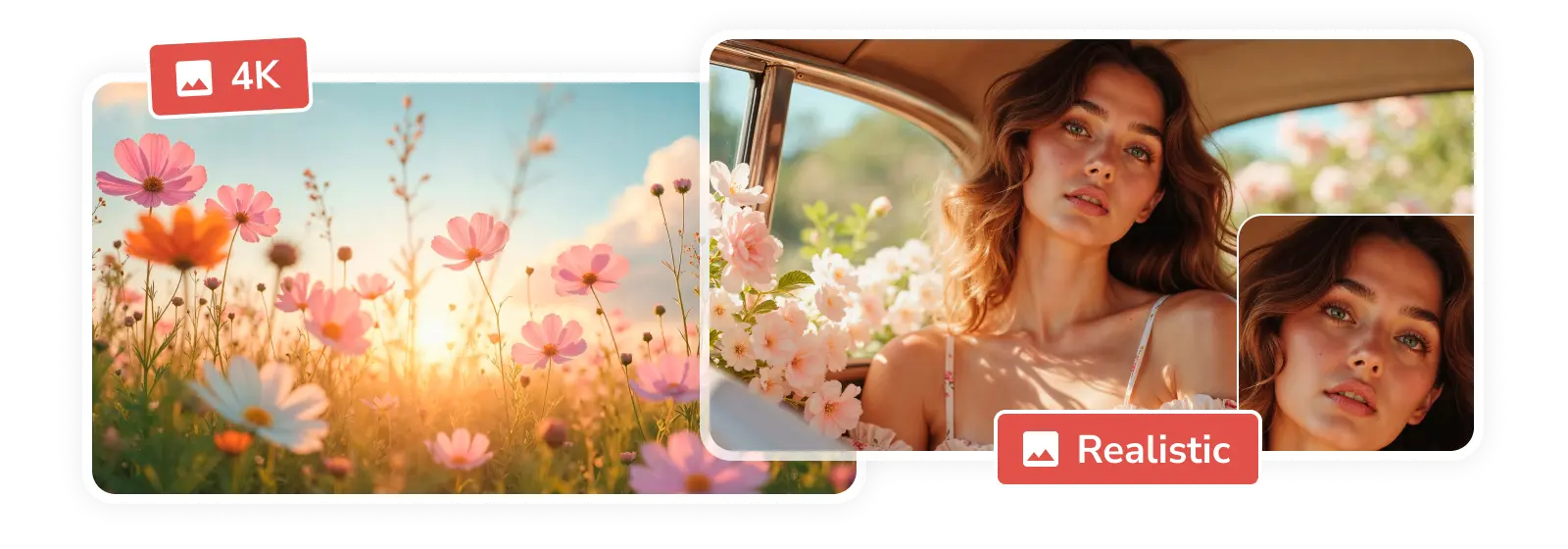
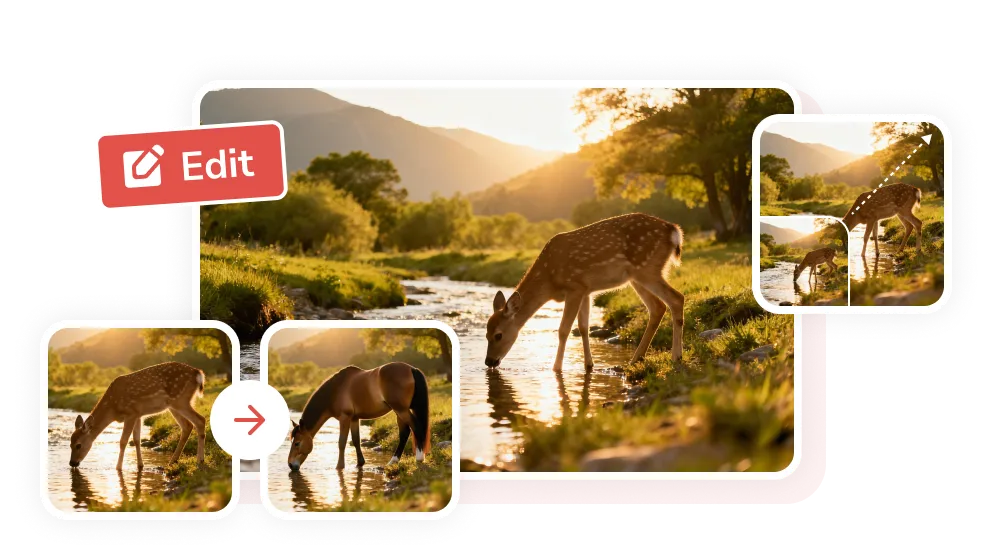
Image Editing Capabilities: Perfect Every Element
Creation is rarely one-shot. The best tools feel like collaboration, not roulette. Refine your image by tweaking the prompt (add or remove elements), re-uploading reference images, or adjusting settings to generate a fresh, improved result.
Why AVC is the Best Online AI Image Generator
Powered by the latest multimodal AI for superior consistency and artistic detail

High Quality
Built on advanced generative AI models trained with licensed images, it produces high-quality results you can trust—clear, and safe for commercial use.

Easy to Use
A clean, intuitive interface makes creation simpler, while strong natural language understanding handles both simple and complex prompts with reliable results.

Faster Respond
Generate images in seconds. Create in bulk with no waiting queue, enjoy stable results, and experience fewer random failures for a smoother workflow.
How to Generate High Quality Images Online Free
Step 1
Input a Text Prompt
Type a clear, detailed description of what you want to generate. Use the simple prompt formula: Subject + Style + Composition + Lighting + Constraints.
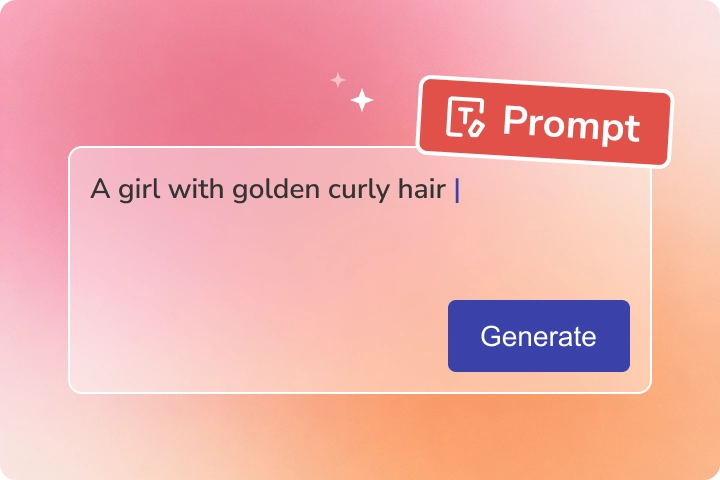
Type a clear, detailed description of what you want to generate. Use the simple prompt formula: Subject + Style + Composition + Lighting + Constraints.
Step 2
Generate Images Online with AI
Click 'Generate Now' to create images in seconds. For a specific style or layout, upload reference images and generate another set. Or refine results by tweaking the prompt or updating reference images.
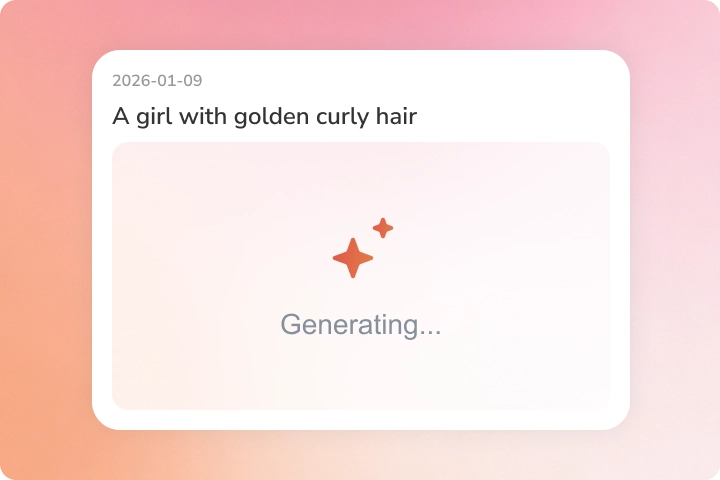
Click 'Generate Now' to create images in seconds. For a specific style or layout, upload reference images and generate another set. Or refine results by tweaking the prompt or updating reference images.
Step 3
Download AI-Generated Image
Once satisfied with the results, click Download to save your high-quality AI-generated images.
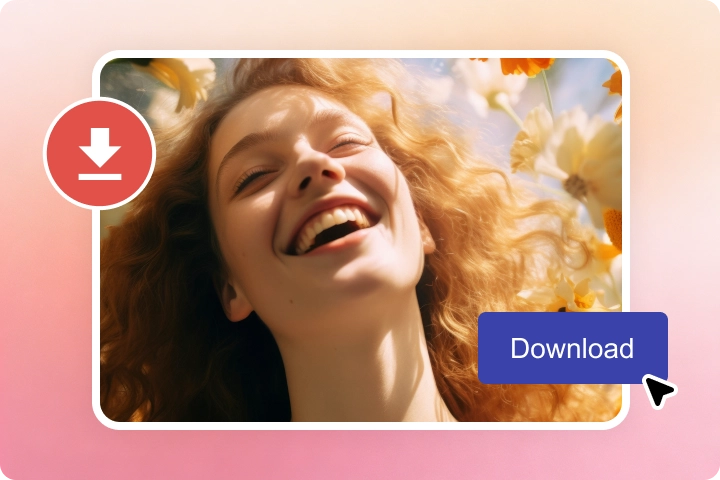
Once satisfied with the results, click Download to save your high-quality AI-generated images.
Explore AI-Powered Tools for Image Editing
Create and edit images seamlessly in a single workflow
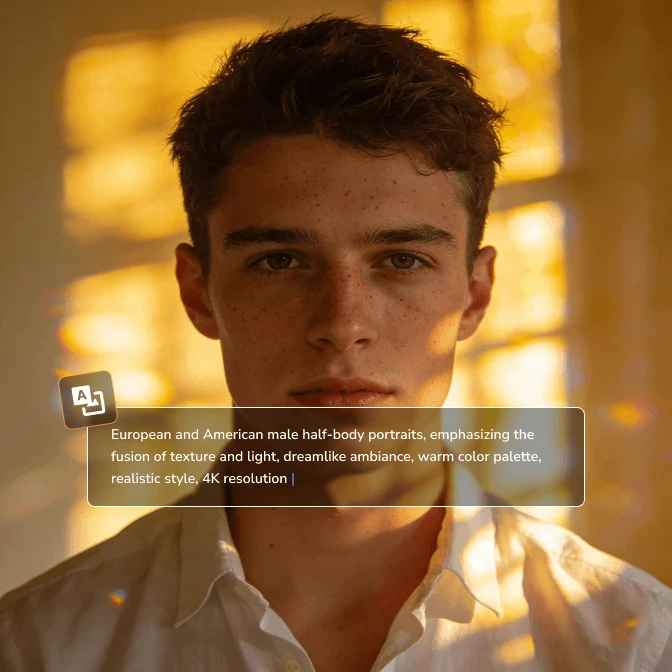
Image Generator
Generate images in seconds from your text and images, in 4K quality, with natural details.
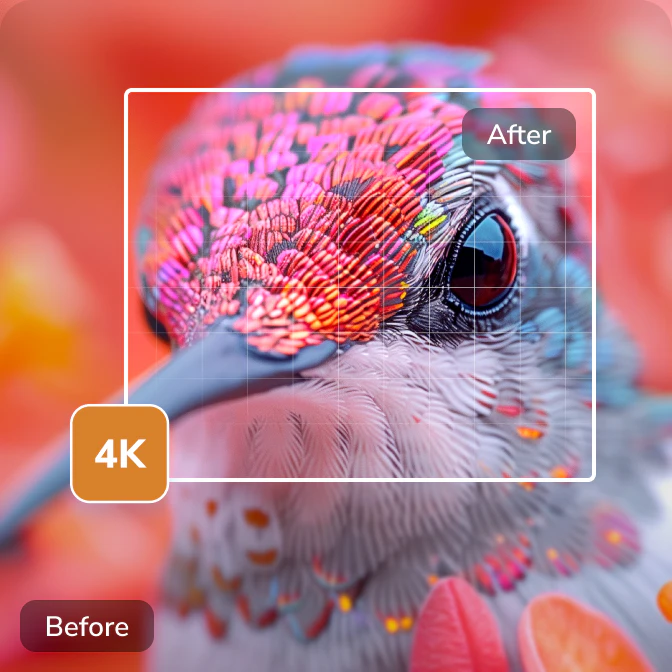
Image Upscaler
Convert low-res photographs, logos, avatars, anime images, illustrations, etc, to 4K quality.
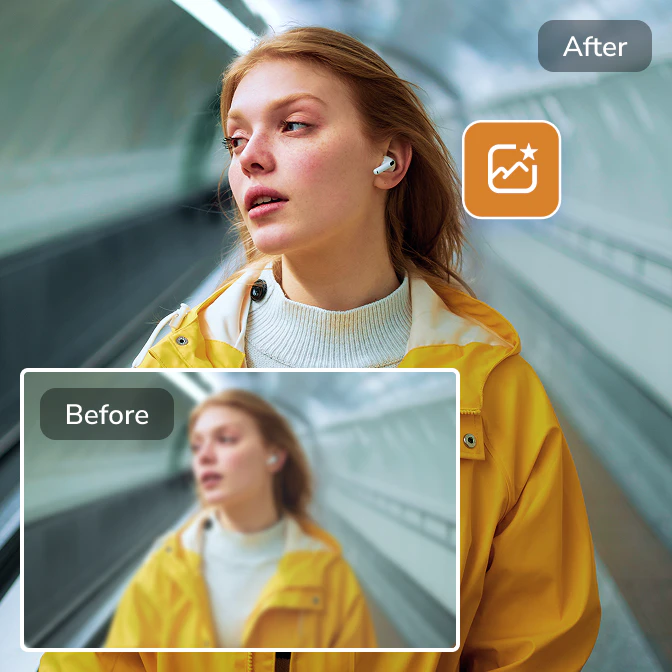
Image Enhancer
Enhance image quality, fix blurry, pixelated, and out-of-focus images instantly.
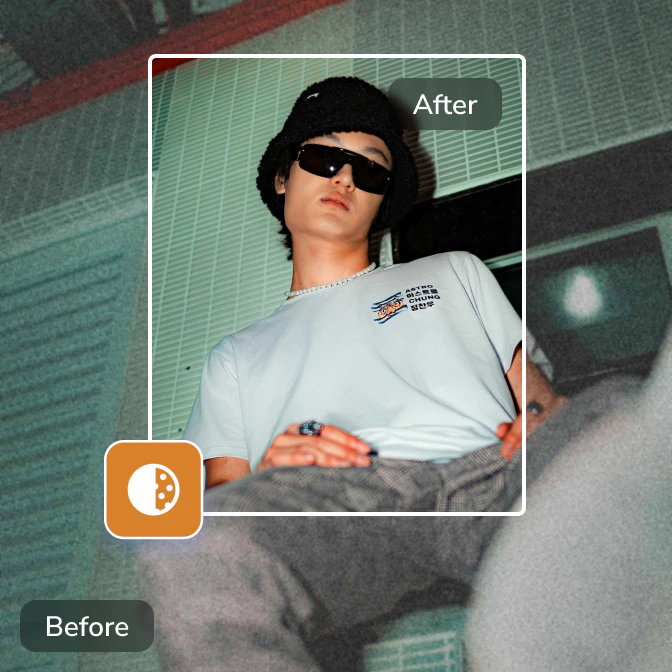
Image Denoiser
Effortlessly remove noise and grain from images, and recreate true-to-life details in images.
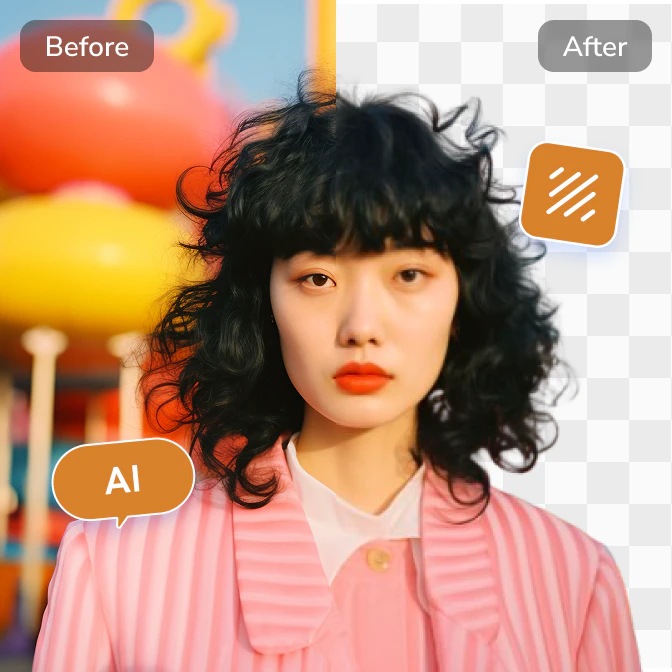
Background Remover
Accurately extract the subject from an image and create a clear background fast and effortlessly.
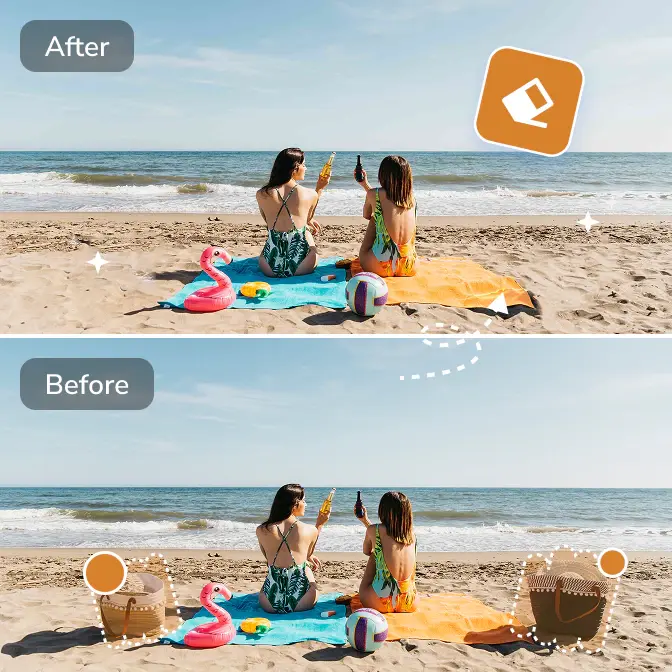
Objects Remover
Remove unwanted objects, people, text, emojis, and any distractions from images automatically.
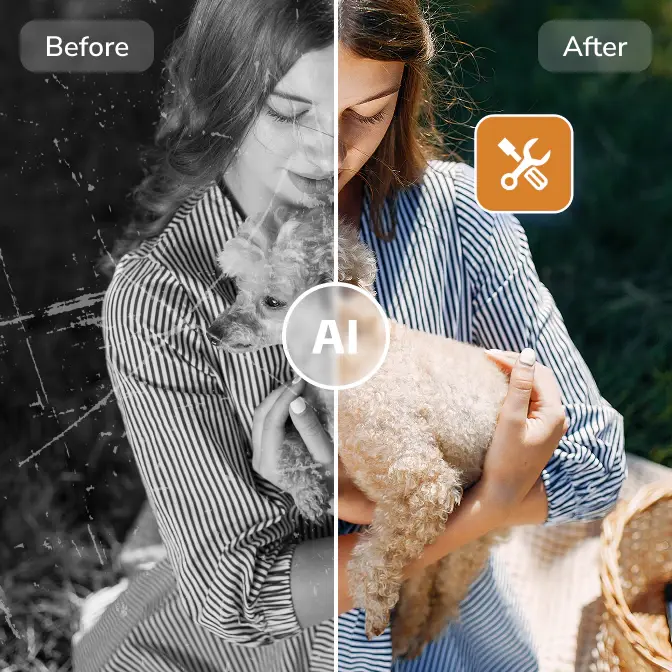
Photo Restoration
Restore old photos by colorizing, repairing damages, removing scratches, and restoring details.
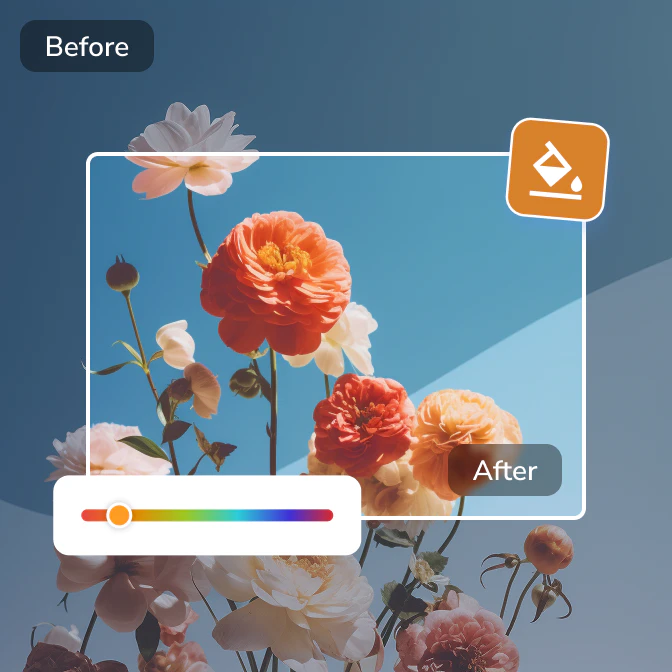
Color Corrector
Automatically correct and calibrate image colors by fixing lighting, contrast, white balance, and tones.
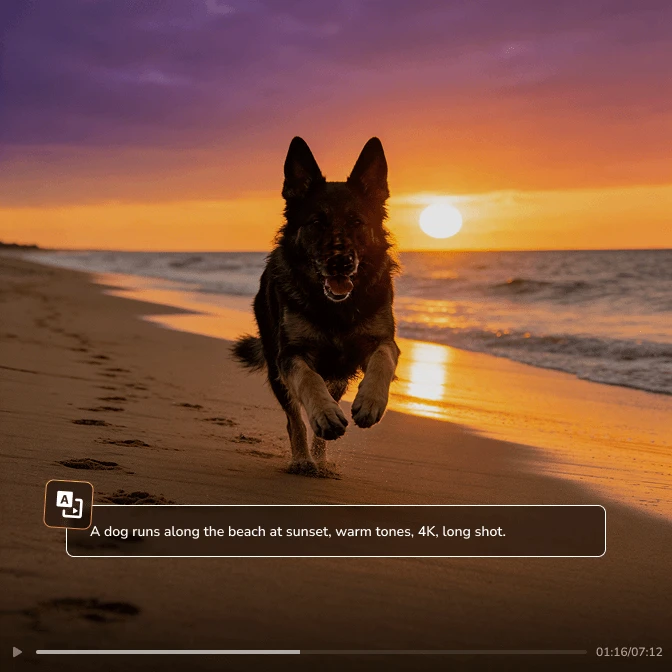
Video Generator
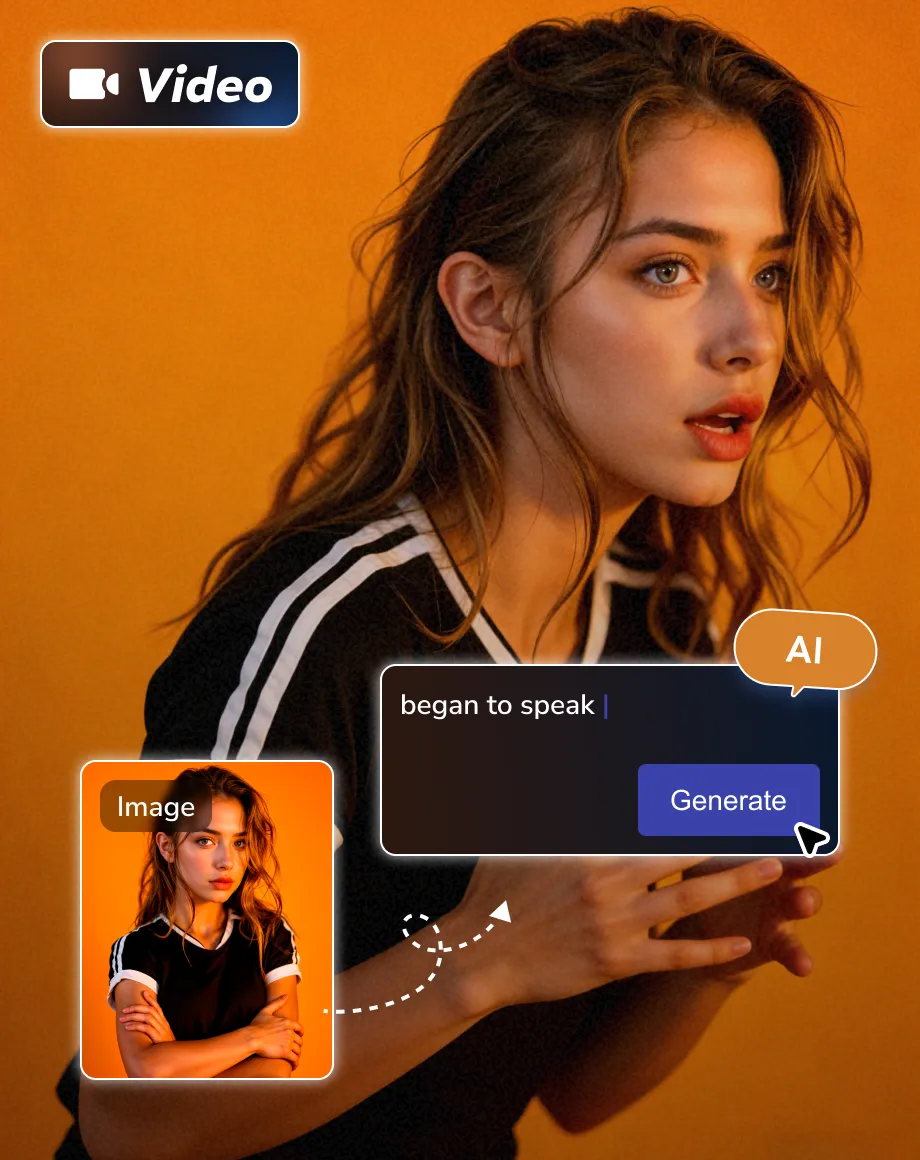
Generate videos instantly from your text and images, in HD and smooth quality.
Video Enhancer
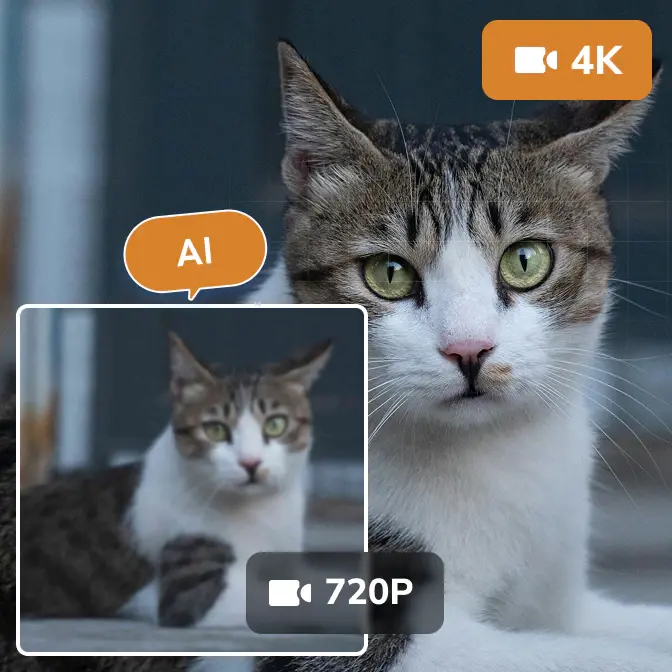
Enhance video quality with advanced ultra-resolution, multi-frame, and face recovery models.

Video Stabilizer
Stabilize shaky videos and eliminate camera shake to achieve professional-looking footage.
Turn Your Concepts into Creative Visuals
Transform inspirations into stunning, ready-to-use images, fast and easy

 Get Mac Version
 Get Windows Version
Discover More AI Generative Tools for Your Creative Work


AVC AI Image Generator: Everything You Need to Know
How to generate images with AI?
Generating AI images is now more intuitive than ever. You can choose between web-based generators (like Midjourney, Adobe Firefly, Nano Banana 2, or ChatGPT) for instant results, or desktop solutions like Any Video Converter for more precise controls and integrated workflows.
Step 1: Multi-modal input. Write a descriptive text prompt or upload a reference image to guide the style, composition, and character consistency.
Step 2: Start generating. Select you prefered resolution, aspect ratio (e.g., 16:9 for cinematic, 9:16 for TikTok), and click generate.
Step 3: Precise Refinement. Tweak your text or swap reference images to help AI better capture your vision.
Is there a free AI image generator?
Yes. Most AI image generators offer a limited number of free generations or free credits. Once you use them up, upgrading to a premium plan is usually required to continue.
With AVC.AI's online image generator, you have another option to access more creations: simply contact us to request free credits.
What is the best AI to generate images?
There's no single best answer. Each AI image generator has its own strengths and trade-offs.
For example, Midjourney excels at artistic images, offering strong aesthetics and style. ChatGPT stays highly faithful to the prompt, though its visual flair can be more restrained.
In practice, most users switch between tools to match different goals and creative needs.
How does AI image generation work?
Generative diffusion models are trained by progressively adding noise to images and learning to reverse this process through denoising. They are trained on very large image-text datasets, often sourced from publicly available internet data. As a result, the models learn statistical patterns common in widely represented visual styles and artistic conventions, allowing them to generate new images that resemble those styles without copying specific artworks.
Can I use AI-generated images commercially?
Yes, the images generated by AVC.AI's image generator can be used commercially or posted on social media.
Tips & Tricks about AI Generative Tools
AI generative guidelines, prompt techniques, and more tips